
When one of you changes a shared dinner, it updates for both of you and your partner gets the change to review. They can accept it with one tap, or keep their own meal. Nobody's plan changes behind their back, and the shopping list follows what you both agree on.
Step by Step
- 1Change a shared dinner in your plan.
- 2Your partner sees the change to review.
- 3They tap Accept All, or review each change.
- 4Both plans now show the same dinner.
Video Transcript
Change a shared dinner once, and it updates for both of you. Your partner just taps to approve it.
Good To Know
What if my partner says no?
They keep their meal. Shared dinners only change when you both agree.
More How-To Videos
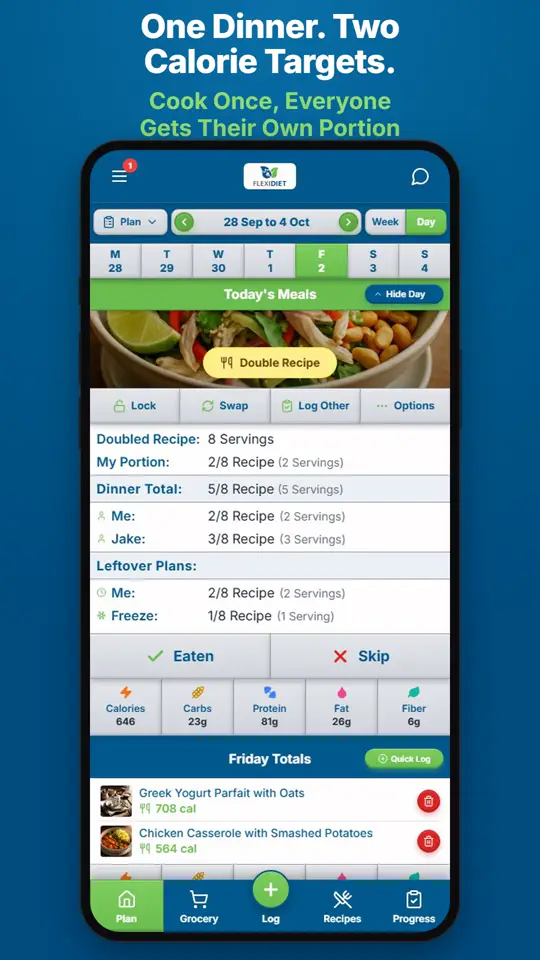
Can We Eat the Same Dinner With Different Calorie Targets?FlexiDiet plans one dinner for the whole household and portions it for each person.
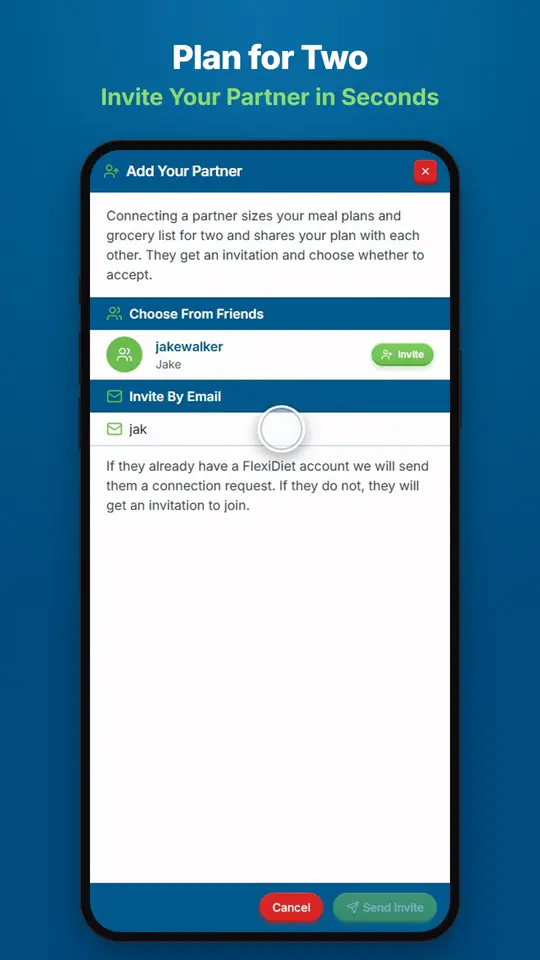
How Do I Add My Partner to My Meal Plan?Open Settings, go to Account, and tap Add Partner, then enter their email.
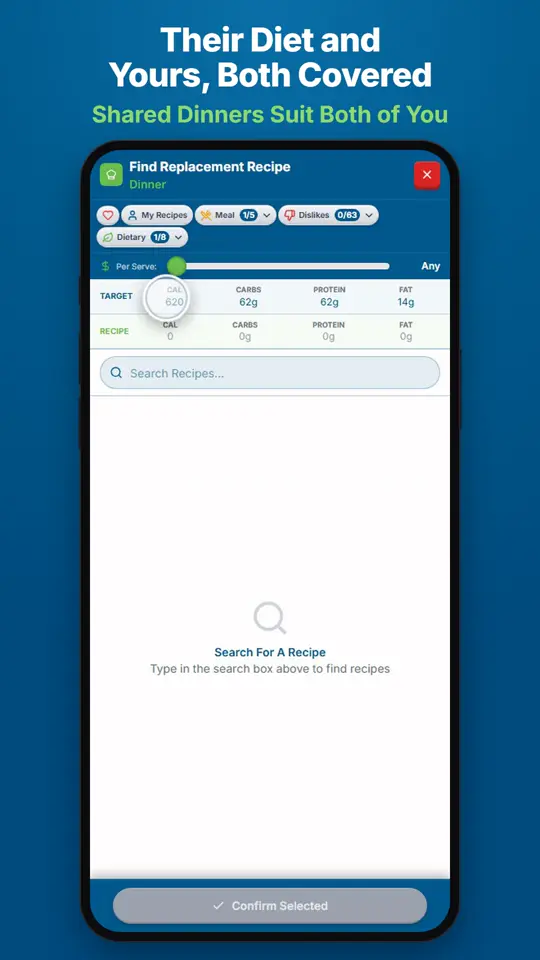
Can a Shared Dinner Suit Two Different Diets?When you swap a shared dinner, FlexiDiet only offers recipes that suit both of you, combining your dietary needs.