
Open your grocery list and tap Prices. You can see what the week costs at your supermarket, the price of each recipe, and the cost of every shop ahead. That makes it easy to spot an expensive dinner and swap it for something cheaper before you shop.
Step by Step
- 1Open Grocery.
- 2Tap Prices.
- 3See the week's total and the cost per recipe.
- 4Swap any meal that costs more than you want.
Video Transcript
Know what your week costs: the price of each recipe, and every shop ahead.
Good To Know
Are the prices live?
Prices come from the supermarkets and are updated regularly.
More How-To Videos
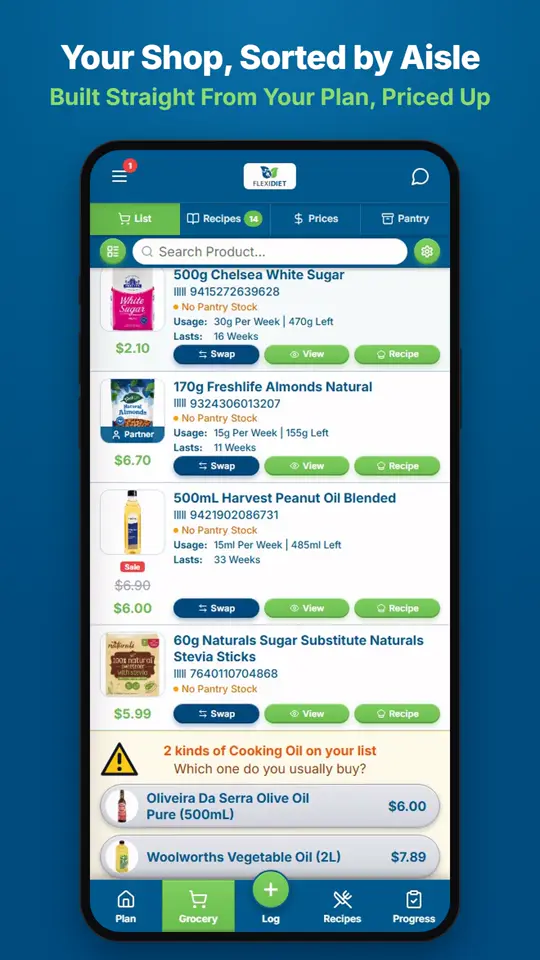
How Is My Grocery List Made?Your grocery list is built straight from your meal plan.
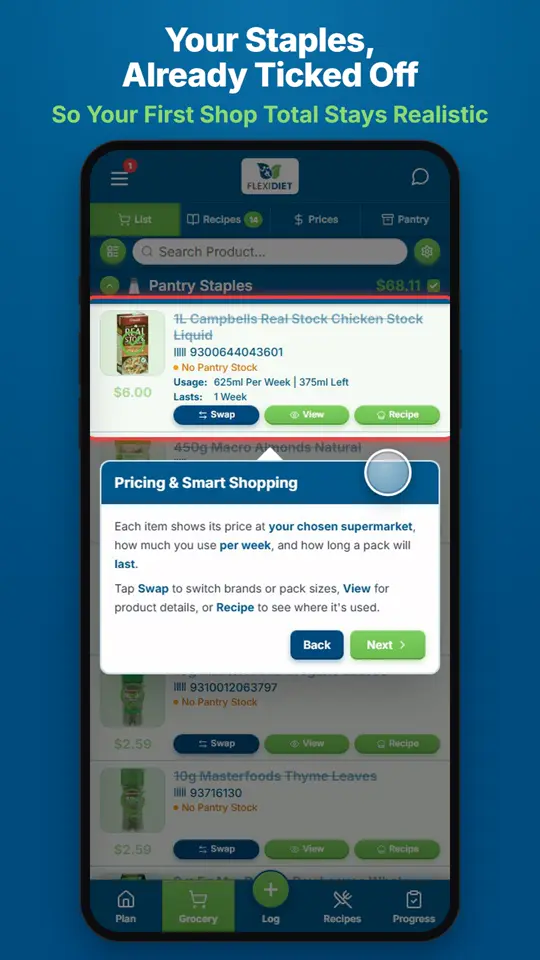
Why Are Some Items Already Ticked on My First Shop?On your first shop, FlexiDiet ticks off common pantry staples such as salt and oil, because most kitchens already have them.
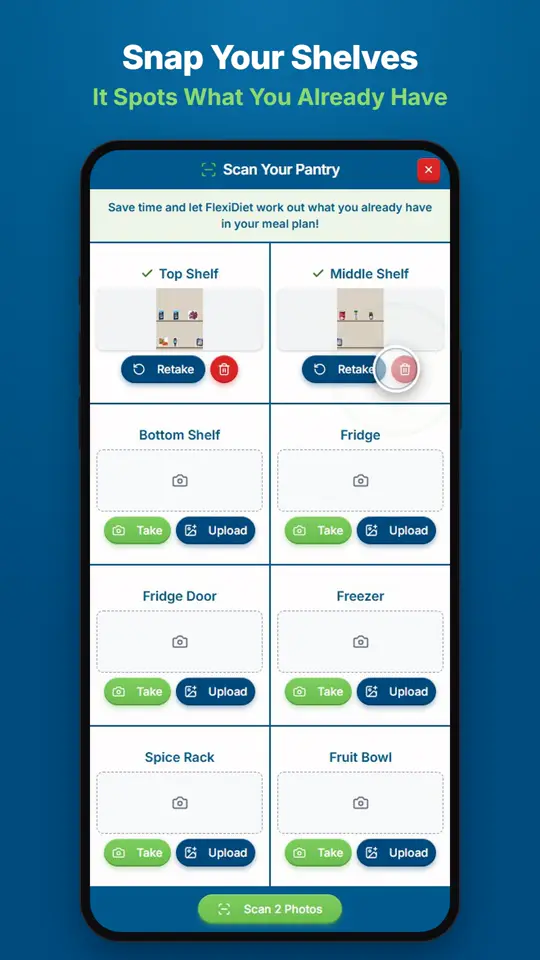
Can I Scan My Pantry So I Don't Buy Doubles?Open Pantry from your grocery list and tap Scan, then take or upload photos of your shelves.