
FlexiDiet plans your whole week of breakfasts, lunches, dinners and snacks around your calorie target. Every meal is already counted and portioned for you, so you can see your day add up before you eat it, and logging a planned meal is a single tap instead of a search.
Step by Step
- 1Tap Plan at the bottom of the screen.
- 2Scroll through today to see each meal and its portion.
- 3Swipe or tap Week to see the rest of the week.
- 4Tap any meal to open the recipe.
Video Transcript
Here's your week, planned and already counted. Every meal fits your calories, so there's nothing to add up.
Good To Know
Do I have to eat exactly what is planned?
No. Swap any meal, plan a takeaway, or log what you actually ate. The plan bends around your real life.
Is anything off the menu?
No. Nachos, burgers and curries are all in the recipe library, portioned to fit your numbers.
More How-To Videos
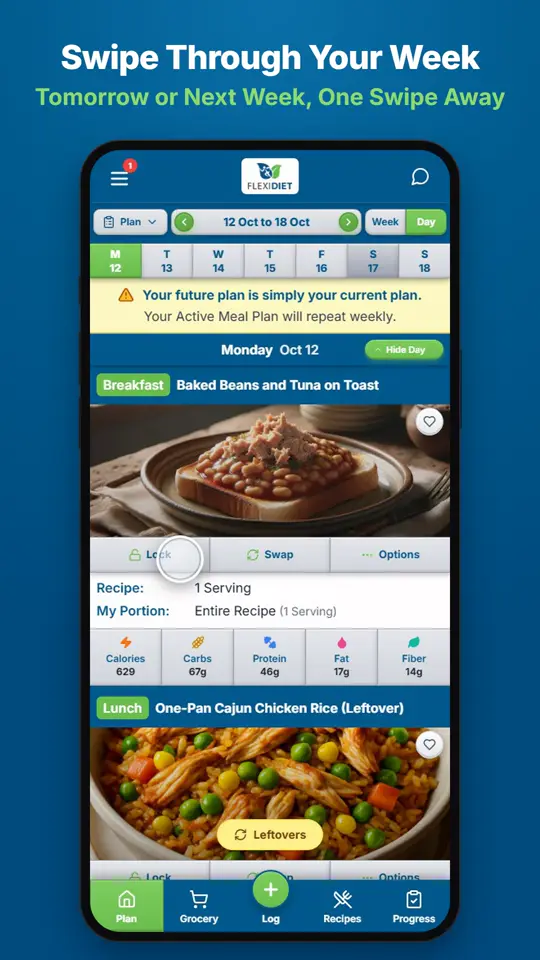
How Do I Move Between Days and Weeks?In Day view, swipe left on your meal plan to go to tomorrow and right to go back a day.
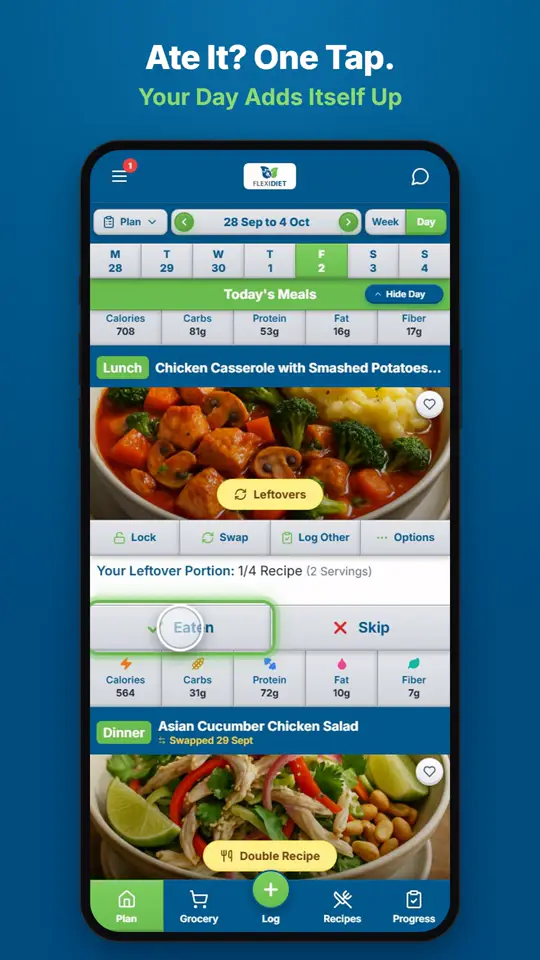
How Do I Log a Meal I Ate?If you ate the meal on your plan, tap Eaten on its card.
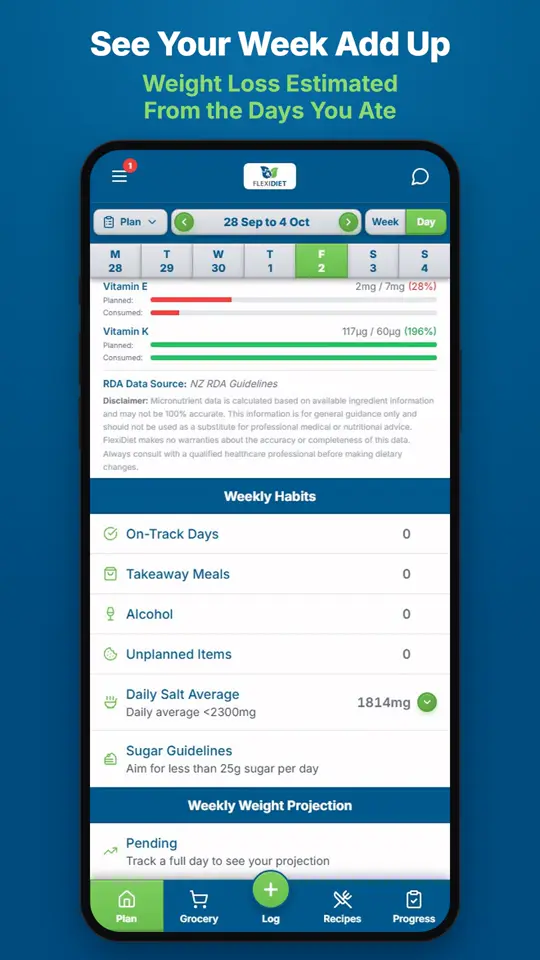
What Does the Weekly Summary Show?The weekly summary adds up the days you logged: calories eaten against your target, your habits, and an estimate of the weight change those days are worth.