
In Day view, swipe left on your meal plan to go to tomorrow and right to go back a day. Keep swiping past the end of the week and you move into the next week, so you can check what is coming without opening a calendar or digging through menus.
Step by Step
- 1Tap Plan, then tap Day.
- 2Swipe left to see tomorrow.
- 3Keep swiping left to move into next week.
- 4Swipe right to come back.
Video Transcript
Swipe left for tomorrow. Keep going and you're into next week. Swipe the other way to go back. Your whole plan, one swipe at a time, with no menus to dig through.
Good To Know
Can I see the whole week at once?
Yes. Tap Week to see every day of the week together.
More How-To Videos
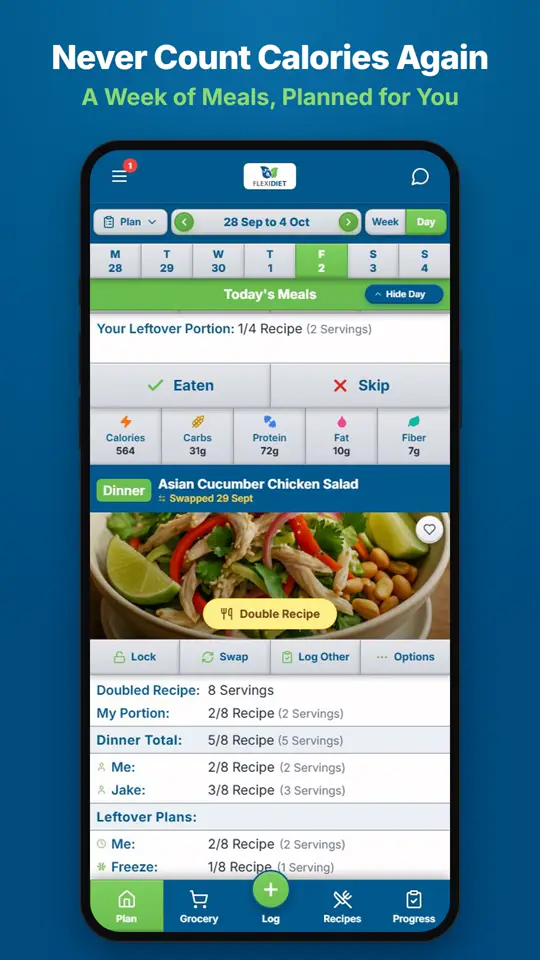
How Does a Weekly Meal Plan Work in FlexiDiet?FlexiDiet plans your whole week of breakfasts, lunches, dinners and snacks around your calorie target.
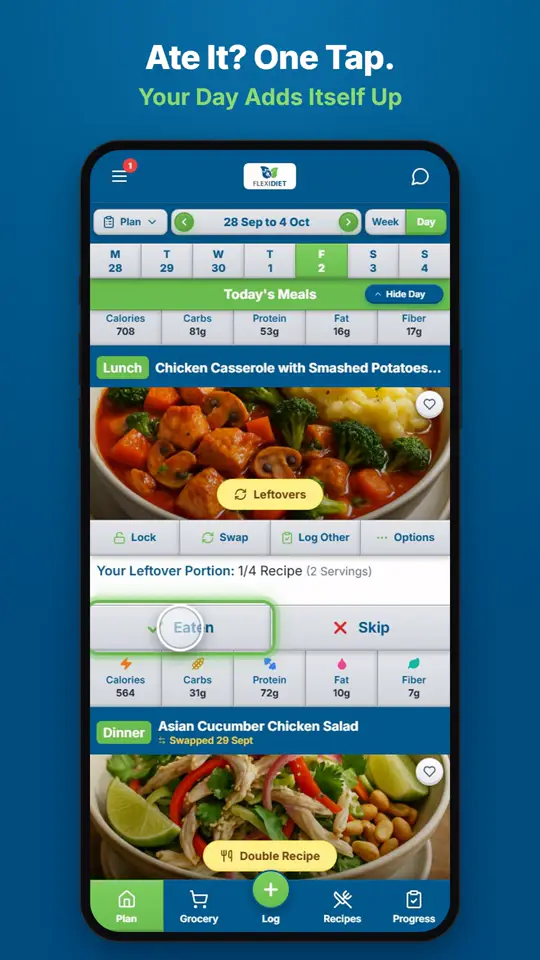
How Do I Log a Meal I Ate?If you ate the meal on your plan, tap Eaten on its card.
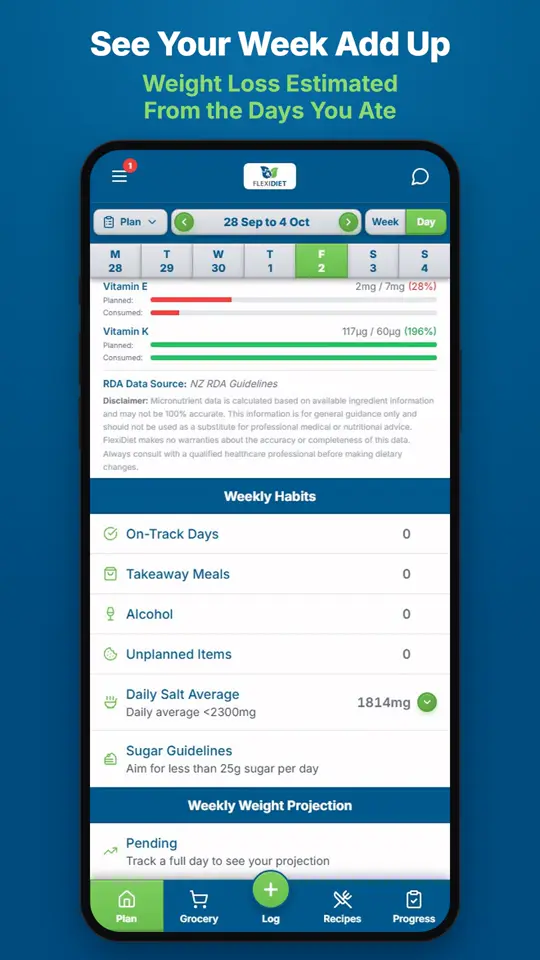
What Does the Weekly Summary Show?The weekly summary adds up the days you logged: calories eaten against your target, your habits, and an estimate of the weight change those days are worth.