
Open the menu on a meal card and choose Copy to Another Day, then pick the day you want it. The copy keeps its portion and calories, so you can have a meal you loved again, or eat the same lunch every day, and your day still adds up.
Step by Step
- 1Tap Plan and find the meal.
- 2Open the menu on its card.
- 3Tap Copy to Another Day.
- 4Pick the day, then tap Copy Meal.
Good To Know
Does copying change the original?
No. The original meal stays where it is.
More How-To Videos
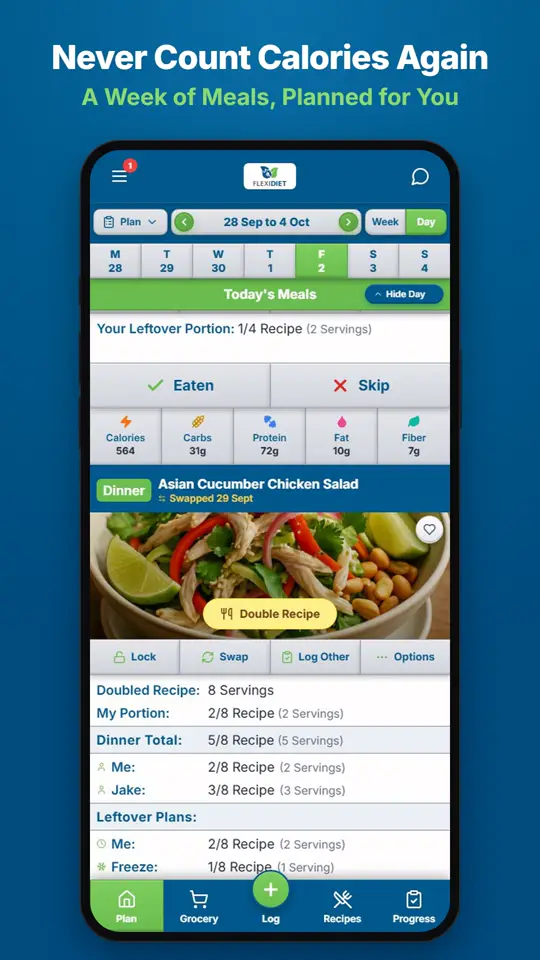
How Does a Weekly Meal Plan Work in FlexiDiet?FlexiDiet plans your whole week of breakfasts, lunches, dinners and snacks around your calorie target.
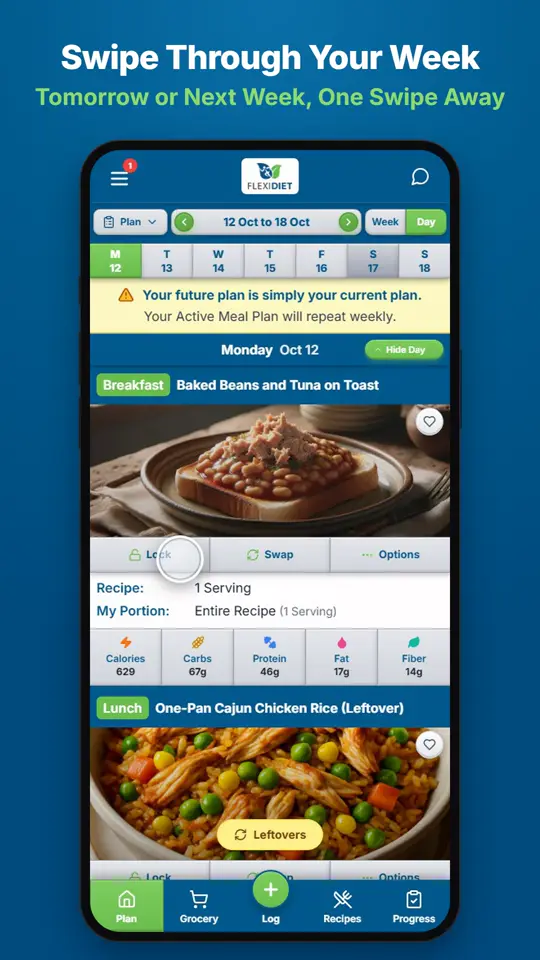
How Do I Move Between Days and Weeks?In Day view, swipe left on your meal plan to go to tomorrow and right to go back a day.
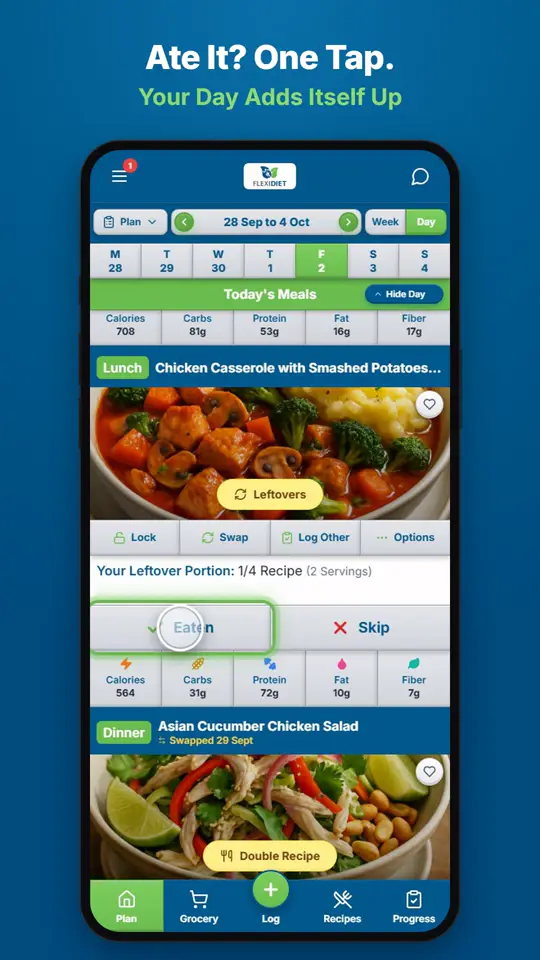
How Do I Log a Meal I Ate?If you ate the meal on your plan, tap Eaten on its card.