
Yes. Save your MyFitnessPal printable diary as a PDF and upload it to FlexiDiet. It reads every food in the diary, lets you review them, and adds your history in one go, so switching from MyFitnessPal does not mean starting your food log again from day one.
Step by Step
- 1In MyFitnessPal, save your printable food diary as a PDF.
- 2In FlexiDiet, open Settings, then Account, then Import MyFitnessPal Diary.
- 3Tap Select PDF File and choose the diary.
- 4Review the foods it found, then import them.
Video Transcript
Coming from MyFitnessPal? Bring your diary with you. Your history comes across in one go.
Good To Know
Does it work on my phone?
The import is built for a computer, where saving and choosing a PDF is easiest.
What happens to my meals?
Breakfast, lunch and dinner come across as meals and everything else as extras, so your days add up the same way.
More How-To Videos
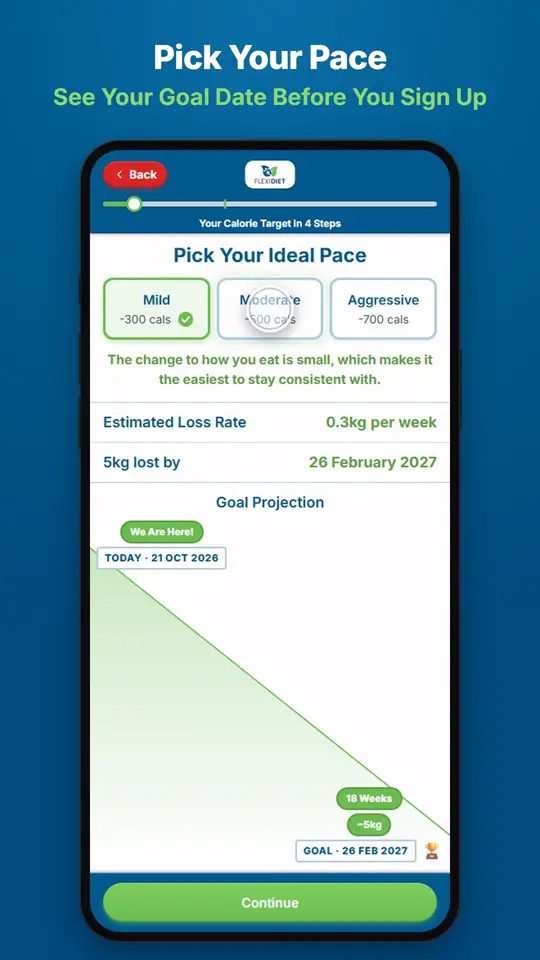
How Do I Set My Weight Loss Goal and Pace?When you sign up, FlexiDiet works out a daily calorie target from your age, height, weight and activity, then asks you to pick a pace.
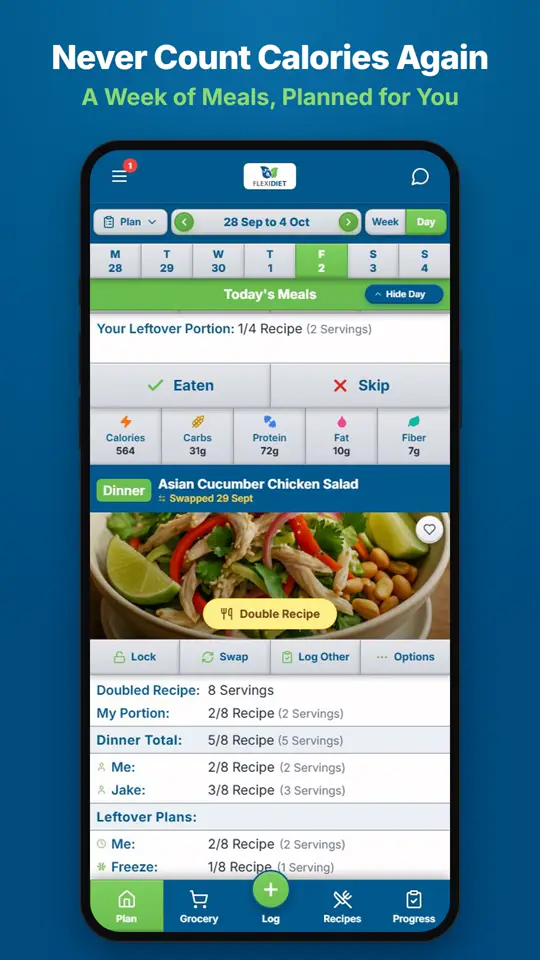
How Does a Weekly Meal Plan Work in FlexiDiet?FlexiDiet plans your whole week of breakfasts, lunches, dinners and snacks around your calorie target.
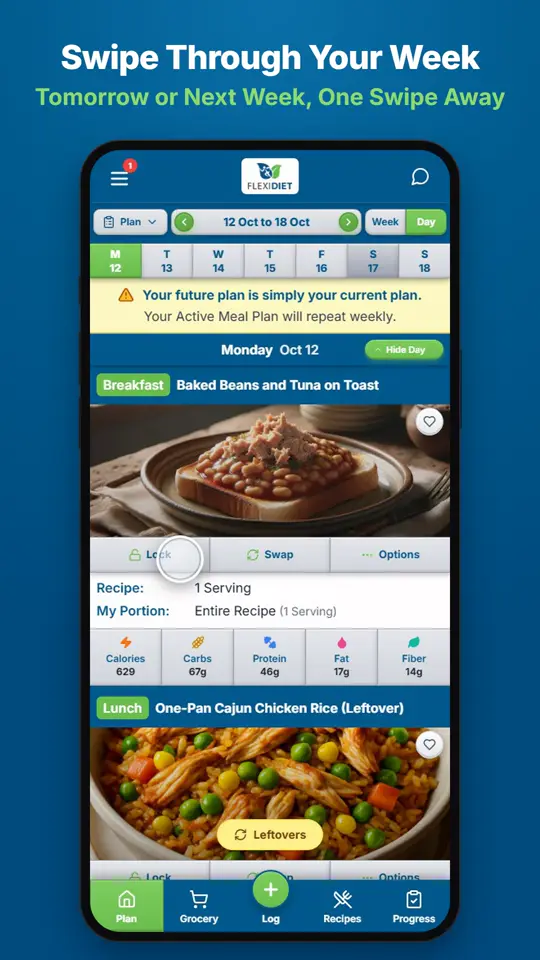
How Do I Move Between Days and Weeks?In Day view, swipe left on your meal plan to go to tomorrow and right to go back a day.