
Open Quick Log and tap Coffee. Pick your coffee, such as a flat white, then the size, the milk and any sugar, and tap to log it. FlexiDiet works out the calories from those choices, so your morning coffee is counted in seconds without searching a database.
Step by Step
- 1Tap Quick Log on your day, then Quick Log in Log Options.
- 2Tap Coffee.
- 3Pick your coffee, such as Flat White.
- 4Choose the size and milk, then log it.
Video Transcript
Flat white? Build your coffee: the size, the milk, the sugar. Then tap to log it. Done in seconds.
Good To Know
Does the milk change the calories?
Yes. Full cream, trim and plant milks are all different, so pick the one you drink.
More How-To Videos
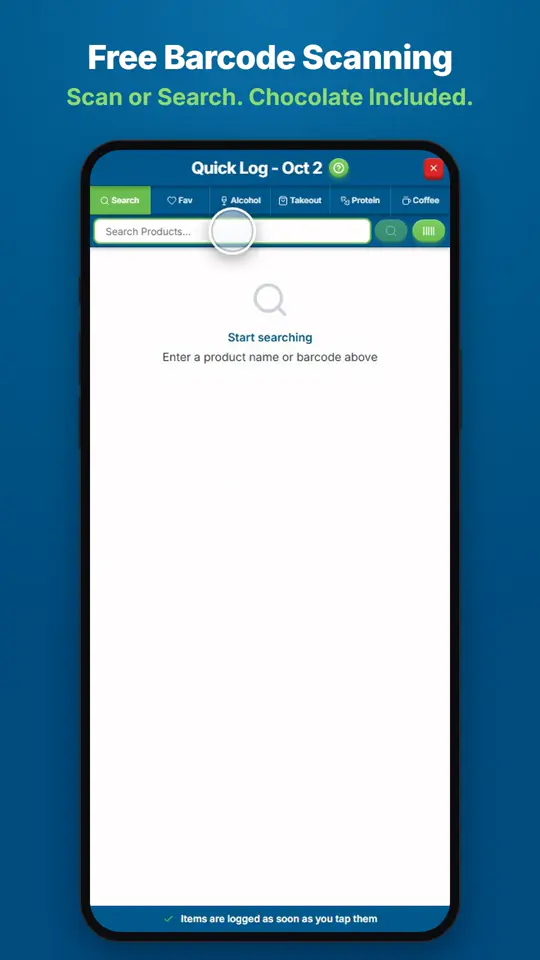
How Do I Find and Log Any Food?Open Quick Log and search for the product, or scan its barcode.
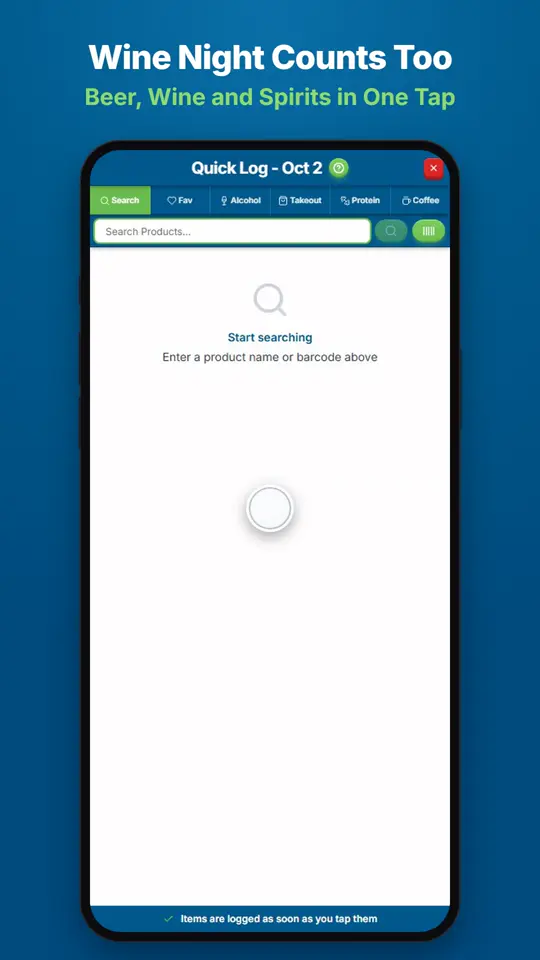
How Do I Log Wine, Beer or Spirits?Open Quick Log and tap Alcohol.
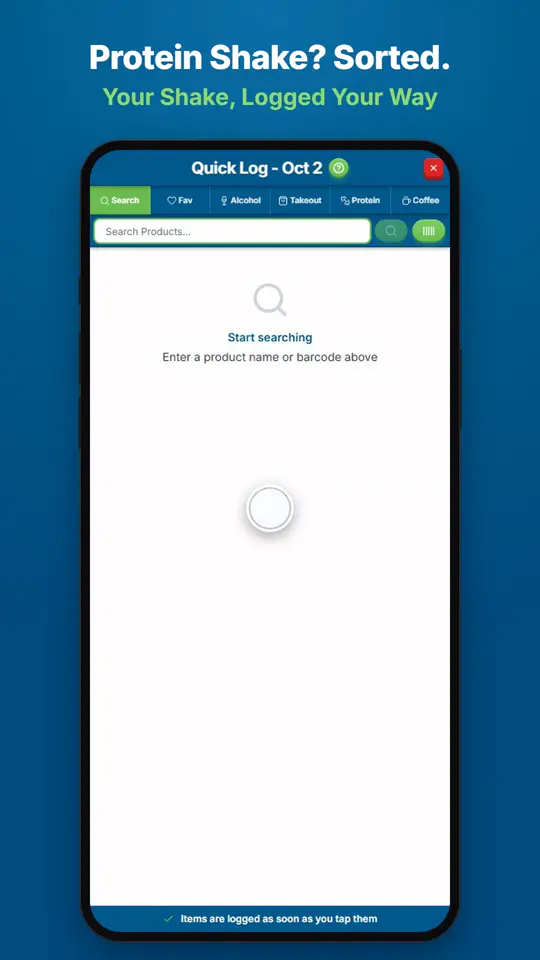
How Do I Log a Protein Shake?Open Quick Log and tap Protein.