
Open Quick Log and tap Alcohol. Pick beer, wine or spirits, choose how much you had, and log it in one tap. Drinks count toward your day like any food, so a wine night is planned for and counted rather than left out of your numbers.
Step by Step
- 1Tap Quick Log on your day, then Quick Log in Log Options.
- 2Tap Alcohol.
- 3Pick beer, wine or spirits and the amount.
- 4Log it.
Video Transcript
Wine night counts too. Pick beer, wine or spirits, and it's logged in one tap.
Good To Know
Can I still lose weight if I drink?
If it fits your numbers, it counts. Logging it keeps your day honest so you can plan around it.
More How-To Videos
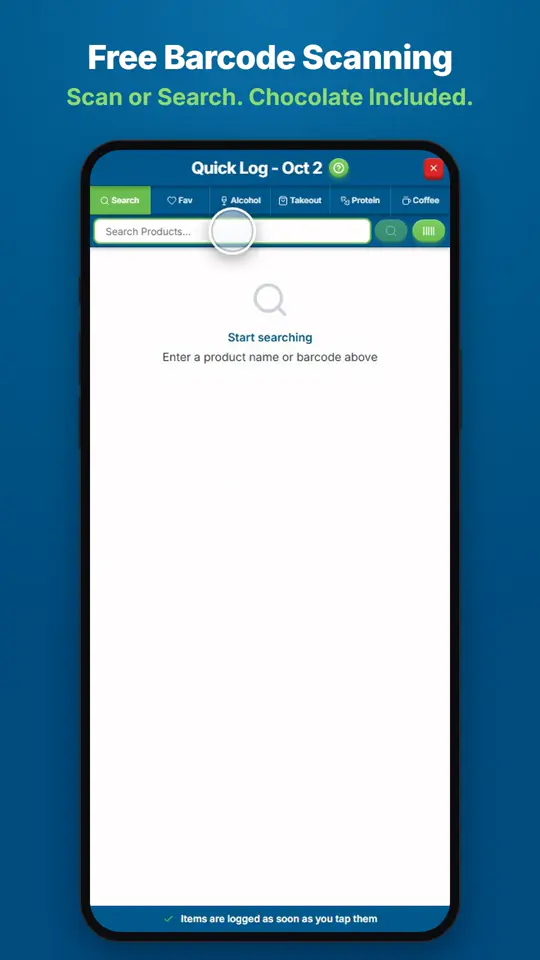
How Do I Find and Log Any Food?Open Quick Log and search for the product, or scan its barcode.
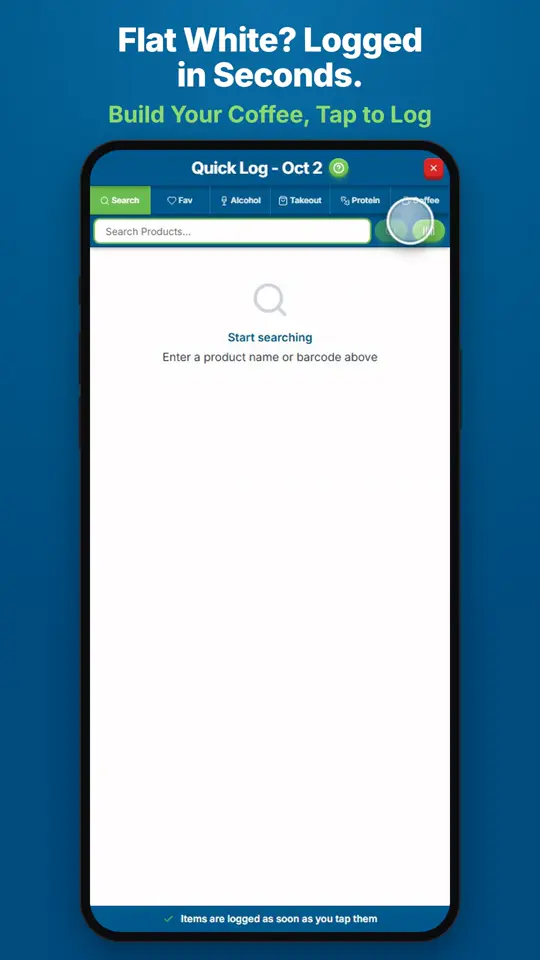
How Do I Log a Coffee?Open Quick Log and tap Coffee.
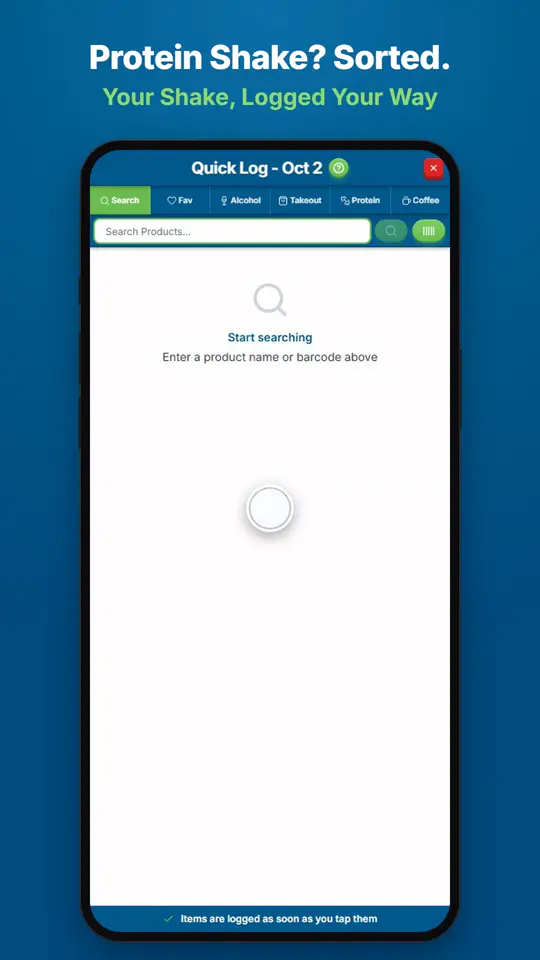
How Do I Log a Protein Shake?Open Quick Log and tap Protein.