
Yes. Tap Log, choose Photo Log, add any details such as how it was cooked, and take a photo of your plate. The AI works out what is on it and estimates the calories, then you check and adjust the ingredients before it is logged, so the result is yours to confirm.
Step by Step
- 1Tap Log at the bottom of the screen.
- 2Choose Photo Log.
- 3Add any details, such as cooked in butter.
- 4Tap Take Photo, check the result, then log it.
Video Transcript
Snap your plate. A photo is all it takes: the AI works out what's on it, and you check it before it's logged.
Good To Know
How accurate is it?
It is an estimate, which is why you can adjust the ingredients and amounts before logging.
More How-To Videos
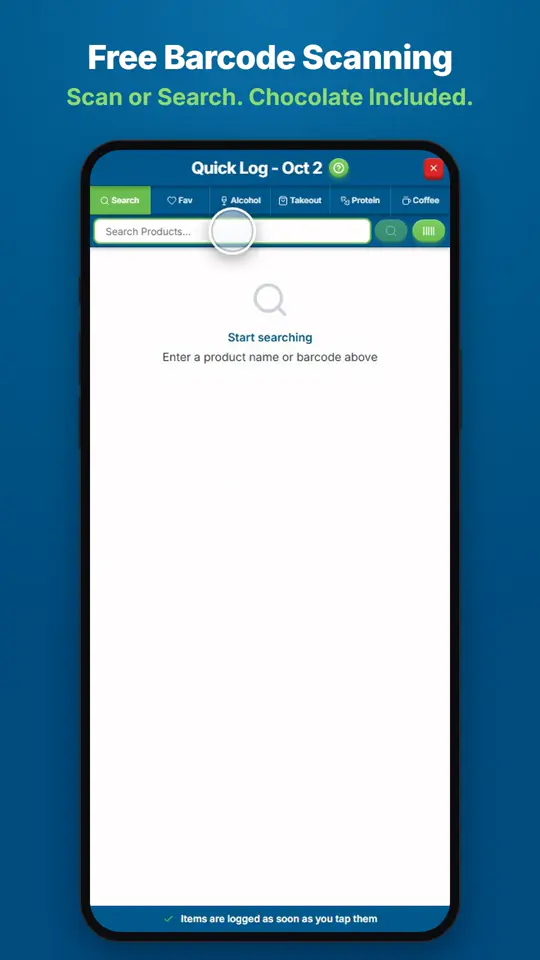
How Do I Find and Log Any Food?Open Quick Log and search for the product, or scan its barcode.
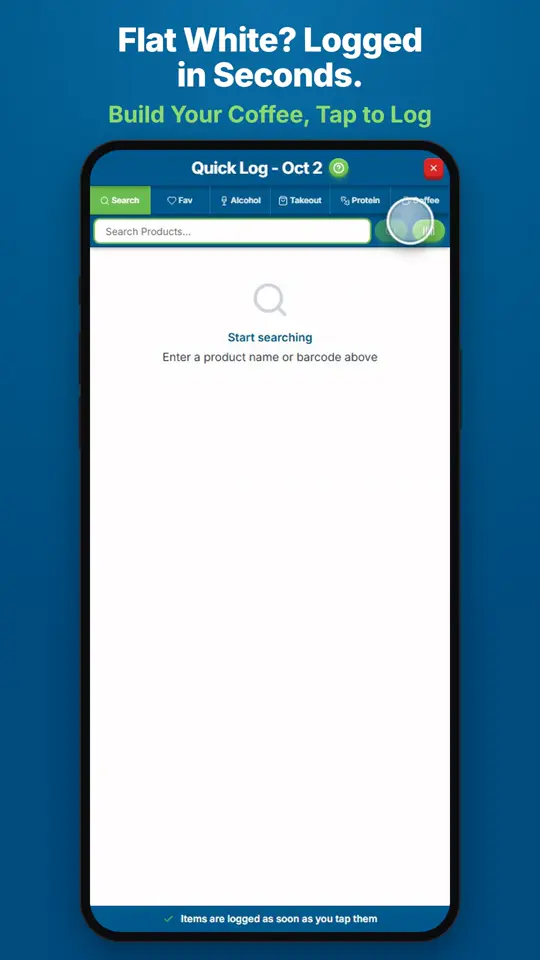
How Do I Log a Coffee?Open Quick Log and tap Coffee.
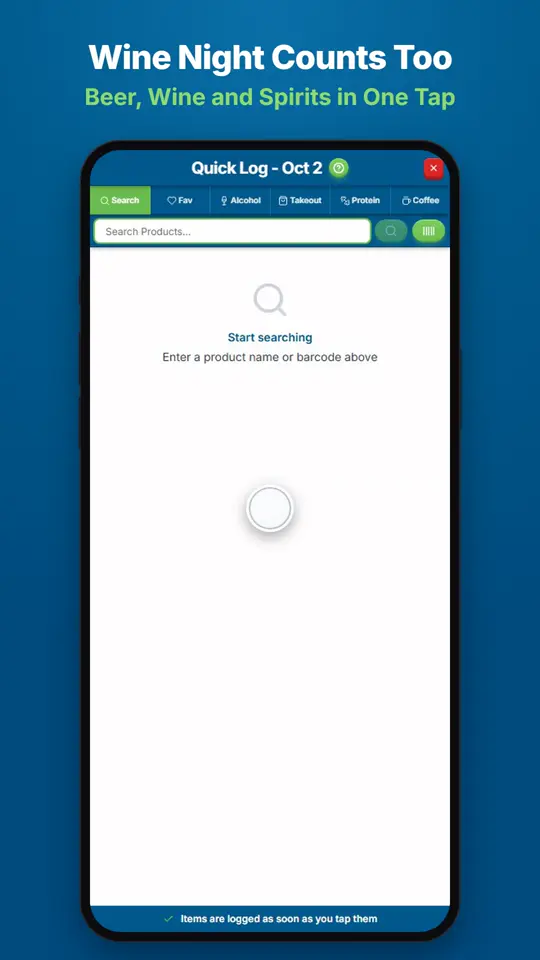
How Do I Log Wine, Beer or Spirits?Open Quick Log and tap Alcohol.