
Yes. Tap Clear Plan to empty the week while keeping your calorie targets for every meal. Then fill each slot yourself with recipes you choose, and FlexiDiet still portions each one to its target, so your own plan adds up the same way a generated one does.
Step by Step
- 1Tap Plan at the bottom of the screen.
- 2Tap Clear Plan.
- 3Confirm, and your targets stay on each empty slot.
- 4Tap an empty slot to choose a recipe for it.
Video Transcript
Rather plan it your own way? Clear the plan, keep your calorie targets, and fill the days yourself.
Good To Know
Can I undo it?
Tap Cancel before confirming. Once cleared, fill the slots yourself or make a new plan.
More How-To Videos
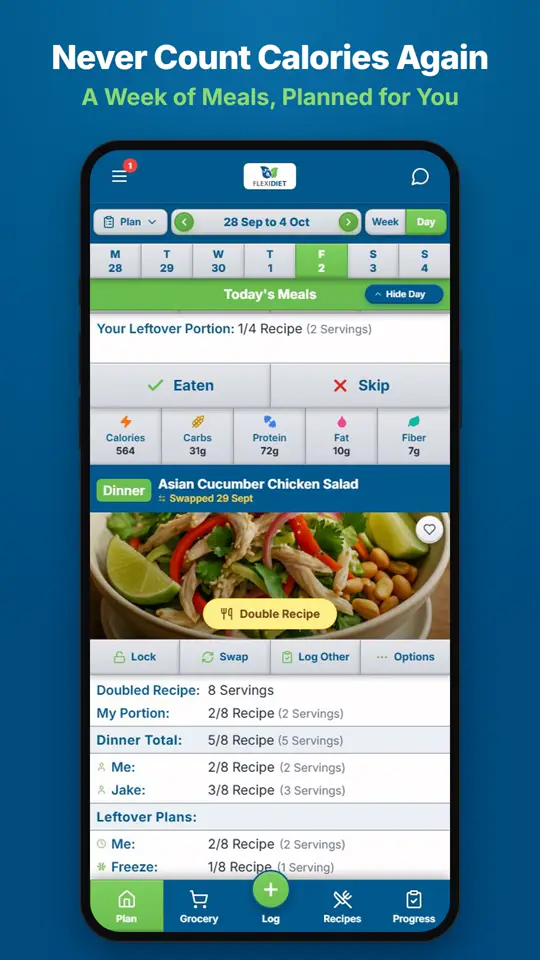
How Does a Weekly Meal Plan Work in FlexiDiet?FlexiDiet plans your whole week of breakfasts, lunches, dinners and snacks around your calorie target.
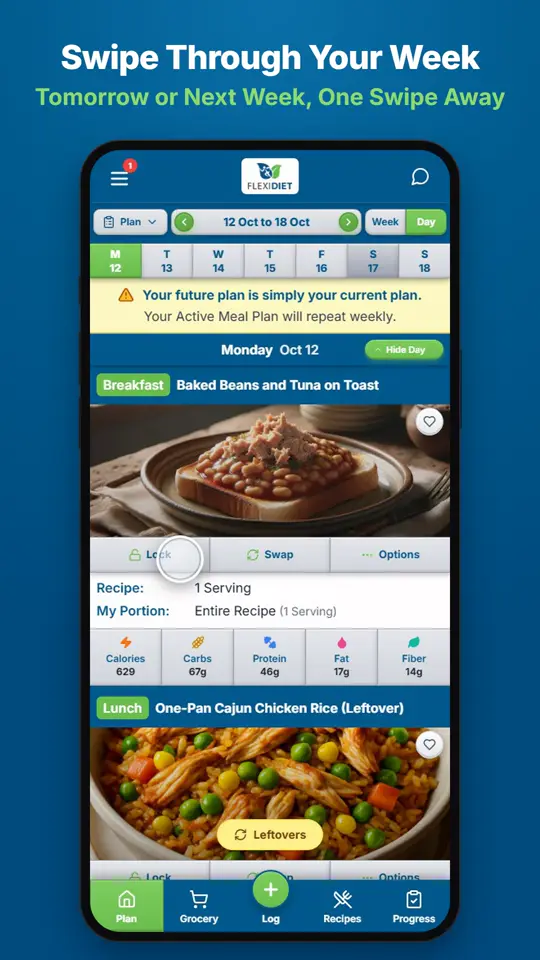
How Do I Move Between Days and Weeks?In Day view, swipe left on your meal plan to go to tomorrow and right to go back a day.
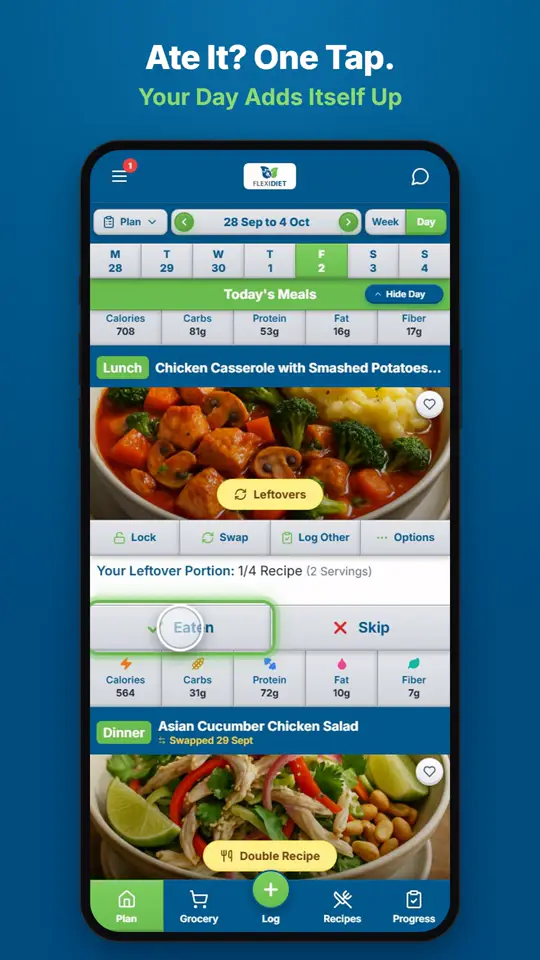
How Do I Log a Meal I Ate?If you ate the meal on your plan, tap Eaten on its card.