
Every recipe in your plan is scaled to your own calorie target, so the ingredients and amounts you see are your serving, not a generic one. Open any meal to see the ingredients, the method and your portion, with the calories and macros for exactly what is on your plate.
Step by Step
- 1Tap Plan and tap a meal.
- 2Tap Ingredients to see your amounts.
- 3Tap Instructions for the method.
- 4Check the calories and macros for your serving.
Video Transcript
Open any meal for the ingredients, the method and your serving. It's portioned for you, so there's no weighing and guessing.
Good To Know
Why are my amounts different from my partner's?
Each person's serving is sized to their own calorie target, even when you share the same dinner.
More How-To Videos
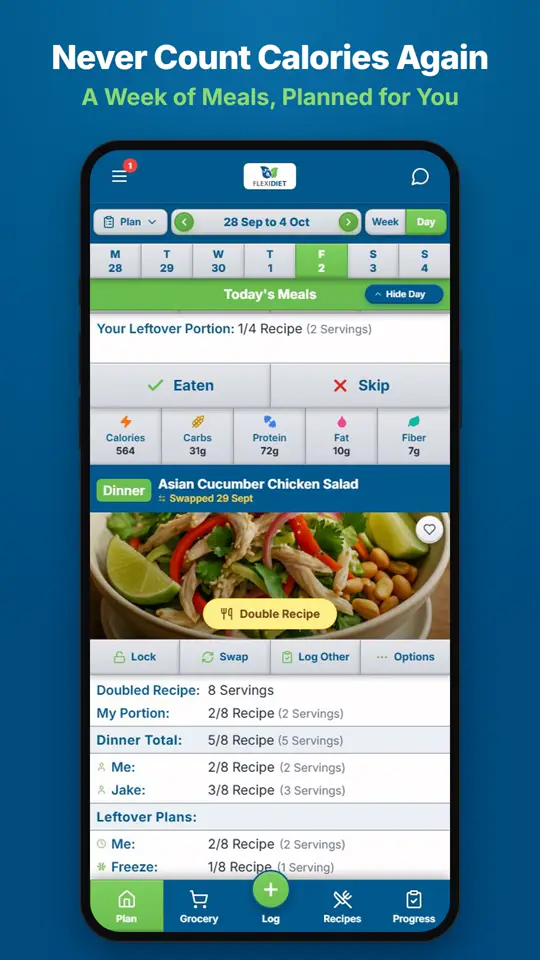
How Does a Weekly Meal Plan Work in FlexiDiet?FlexiDiet plans your whole week of breakfasts, lunches, dinners and snacks around your calorie target.
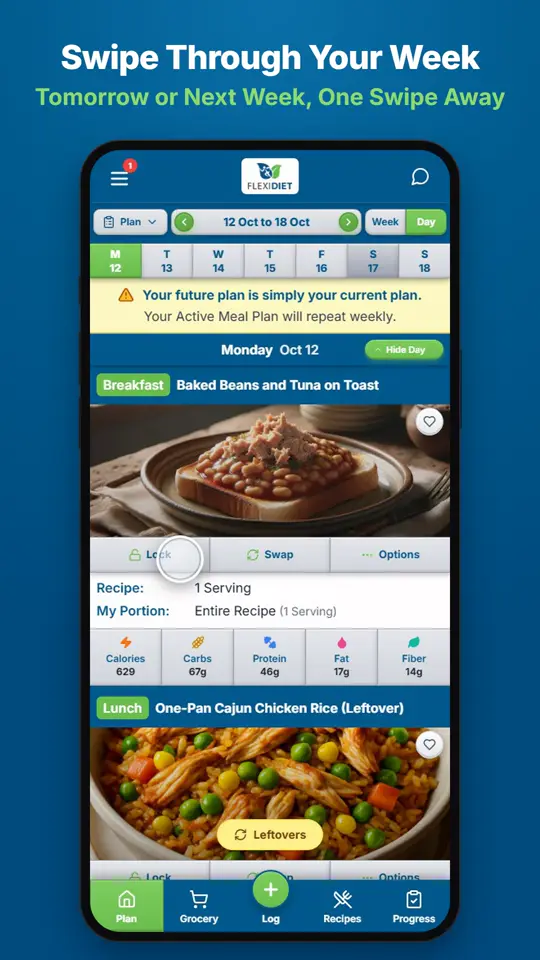
How Do I Move Between Days and Weeks?In Day view, swipe left on your meal plan to go to tomorrow and right to go back a day.
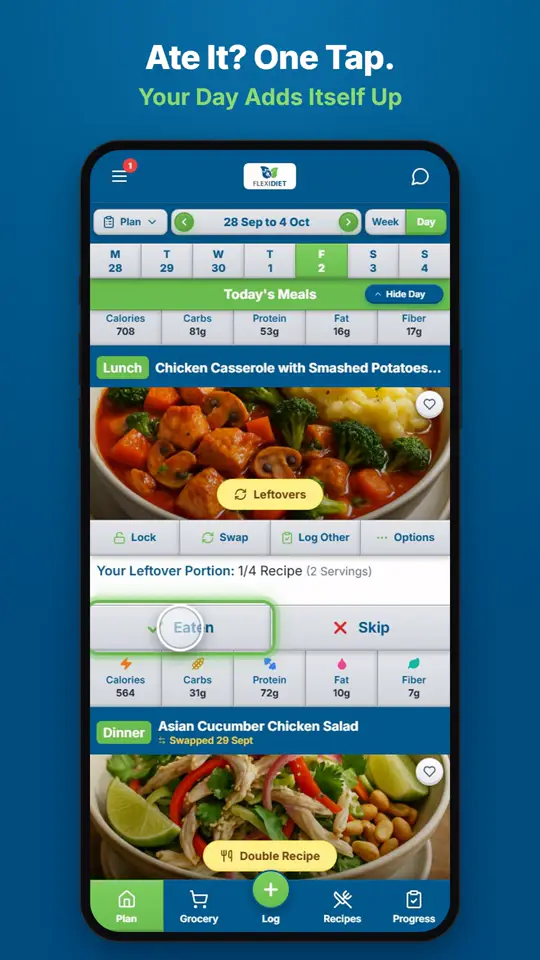
How Do I Log a Meal I Ate?If you ate the meal on your plan, tap Eaten on its card.