
Take a photo of the nutrition label. Tap Log, choose Photo Label, and snap the panel on the pack. The AI reads every number straight off the label, so you can log exactly what you are eating even when the product is new, local or missing from the database.
Step by Step
- 1Tap Log at the bottom of the screen.
- 2Choose Photo Label.
- 3Photograph the nutrition information panel.
- 4Check the numbers it read, then log it.
Video Transcript
Not in the database? Snap the nutrition label. The AI reads every number straight off the pack, so it logs exactly what you're eating.
Good To Know
What should be in the photo?
The whole nutrition panel, flat and in focus, so every number can be read.
More How-To Videos
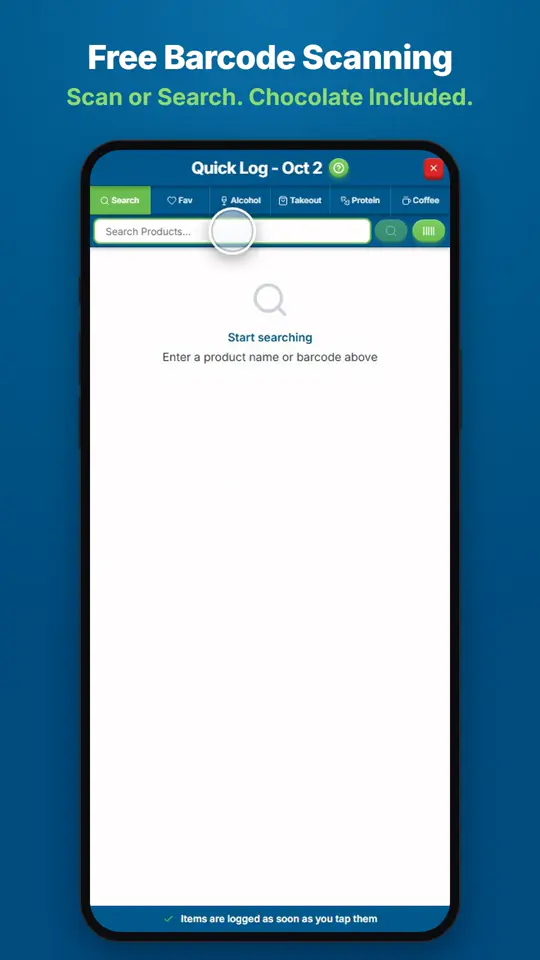
How Do I Find and Log Any Food?Open Quick Log and search for the product, or scan its barcode.
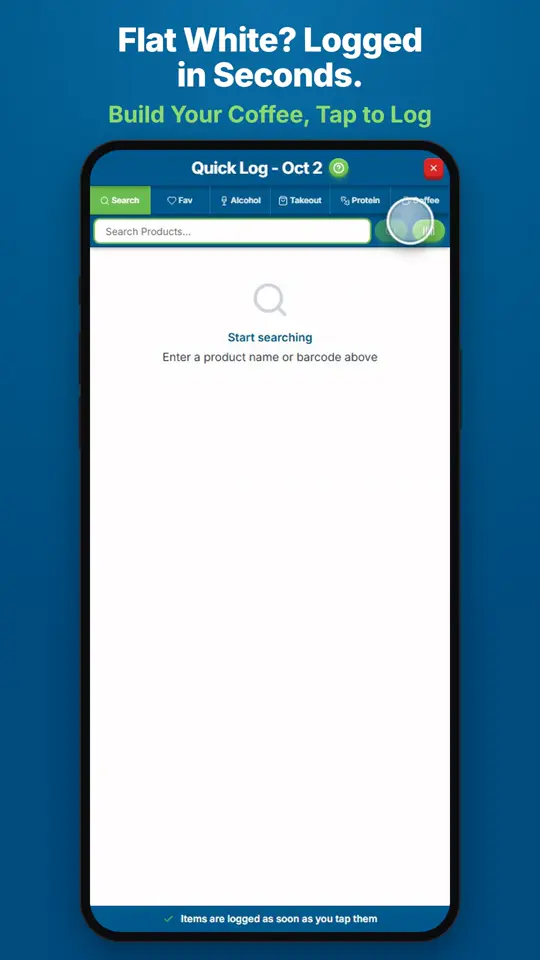
How Do I Log a Coffee?Open Quick Log and tap Coffee.
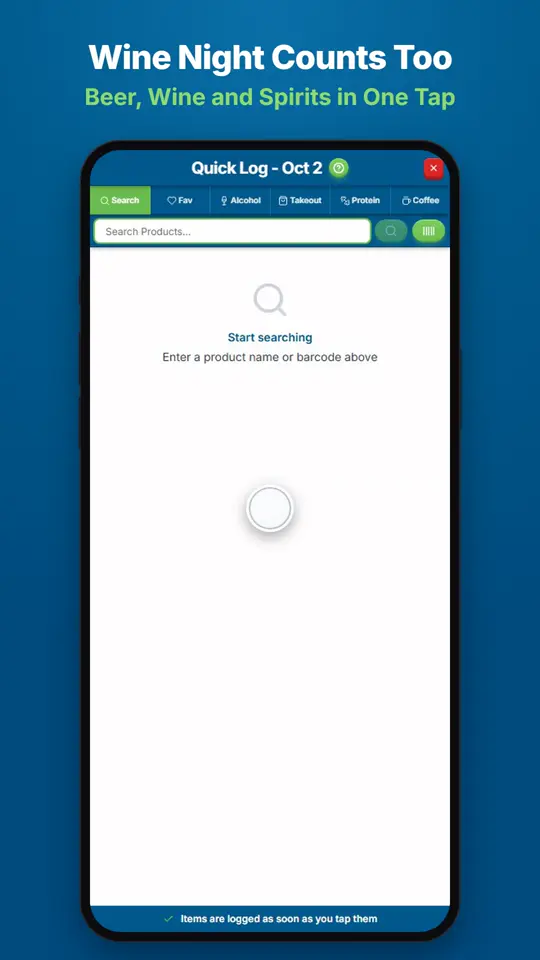
How Do I Log Wine, Beer or Spirits?Open Quick Log and tap Alcohol.